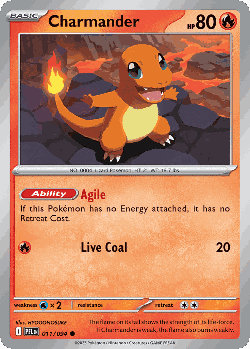
Point your camera. Know the card in a second.
Pooka recognizes English and Japanese Pokémon cards right on your phone, shows the set, number, rarity and today’s price, and adds the card to your collection in one tap.
Free and unlimited: scan as many single cards as you like. iPhone, iPad and Android.
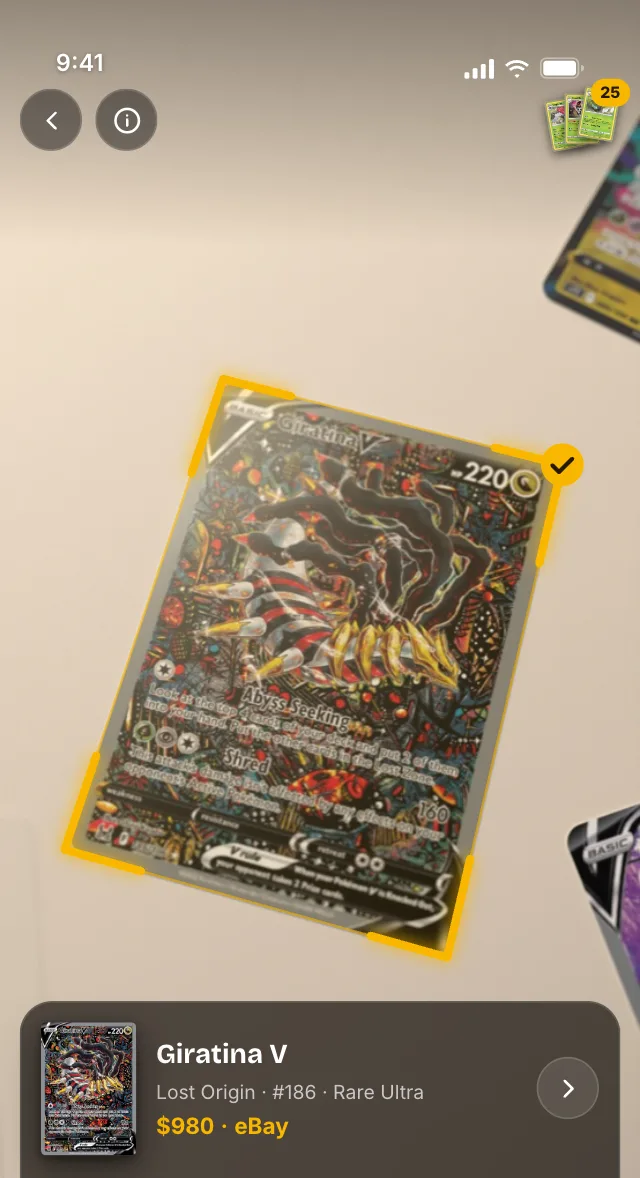
How the scanner works
No photo to take, no button to press.
Point
Hold a card in the frame, on the table or in a sleeve.
Match
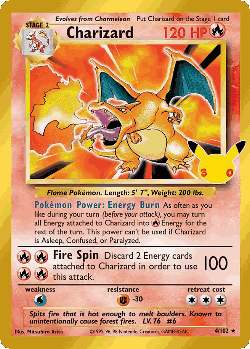
Pooka matches the artwork on your phone in about a second, English or Japanese.
Add it
One tap adds the card to your collection or wishlist, with today’s price.
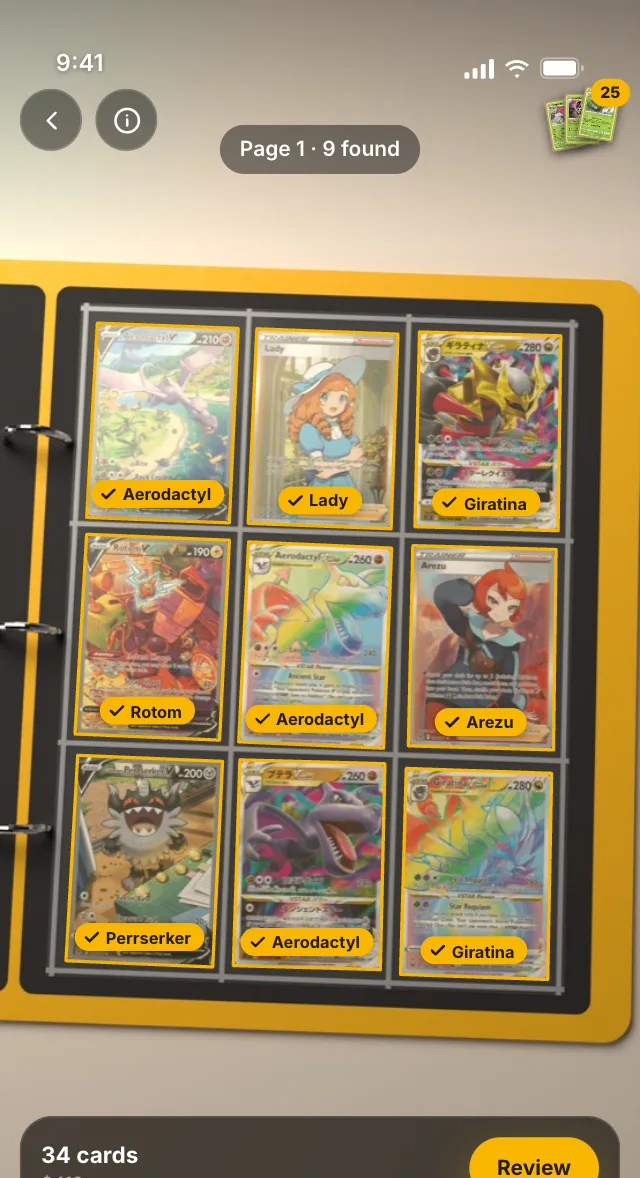
Scan a whole binder page at once
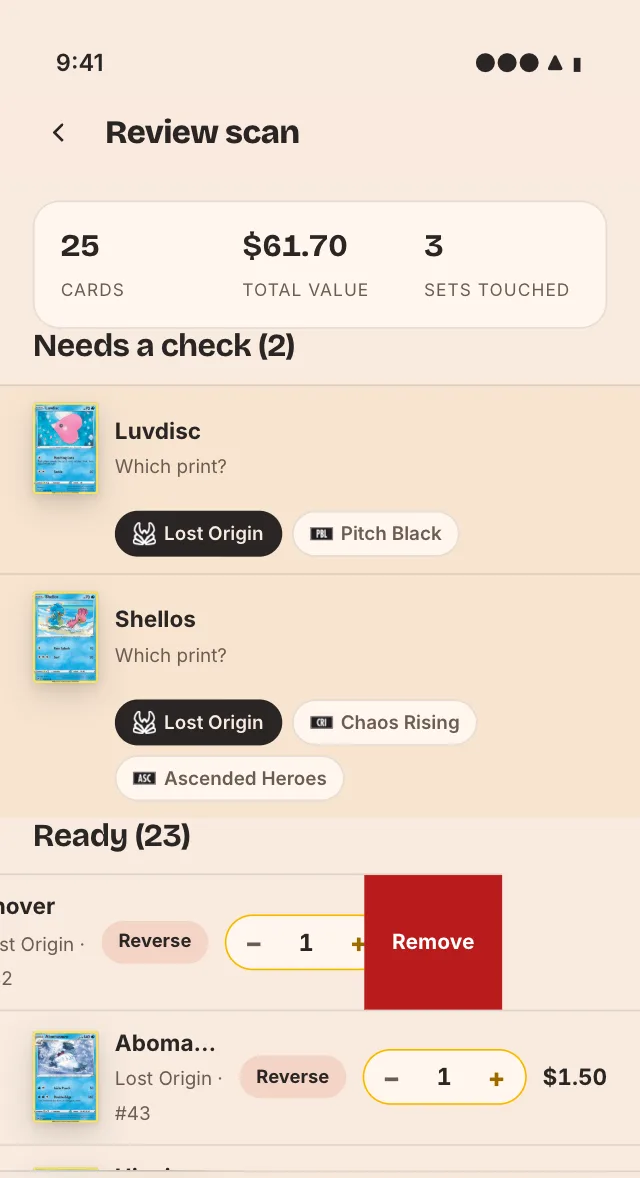
Lay out a few cards, or hold up a binder page, and Pooka finds every card at once. Check them on one review screen, fix the unsure ones and add them all together.
- A full binder page per scan
- Unsure cards get a quick pick, not a guess
- Remove or undo before anything is added
Reprints and look-alikes, sorted
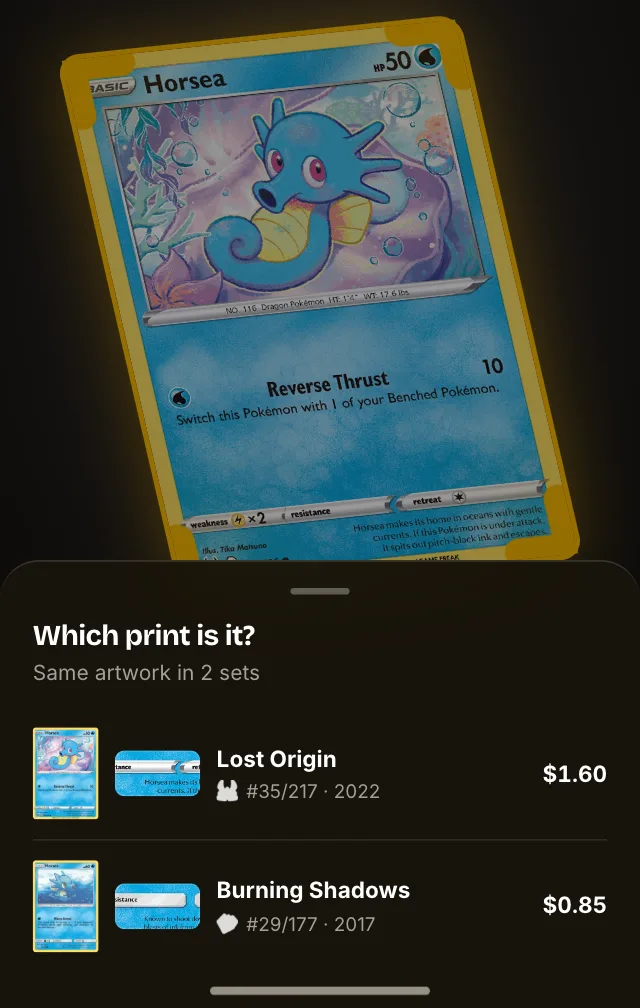
Some artworks were printed in more than one set. When Pooka isn’t sure which one you hold, it shows the candidates side by side with the set symbol and card number magnified, so you pick the right print in one tap.
Japanese cards too
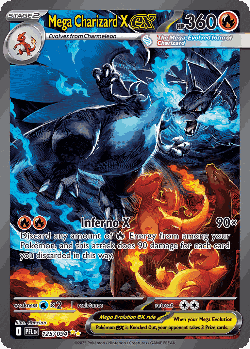
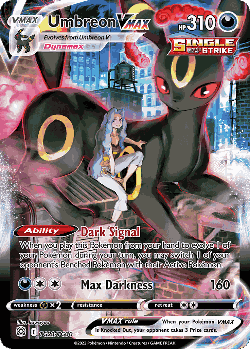
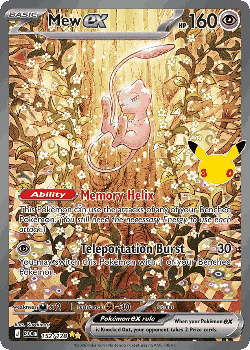
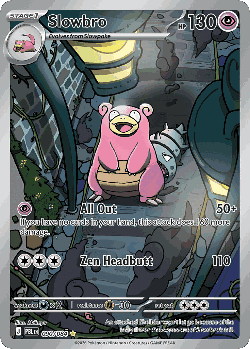
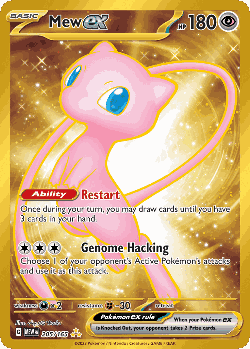
Pooka scans Japanese prints and keeps them in the same collection as your English cards. Trending Japanese cards right now:





Scan straight from your home screen
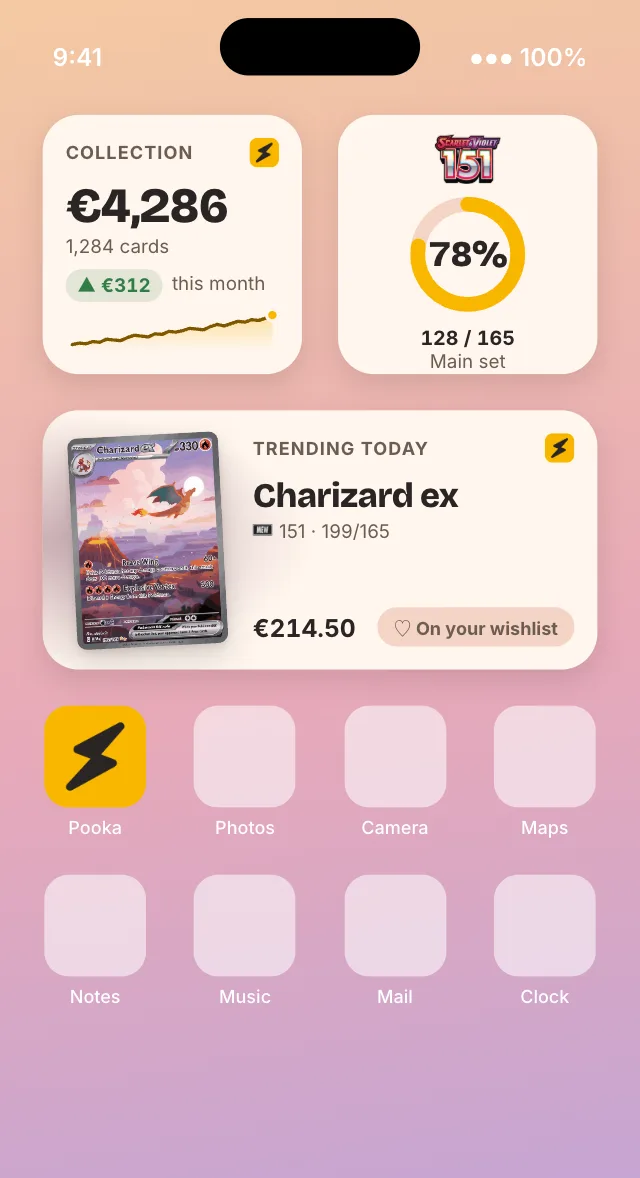
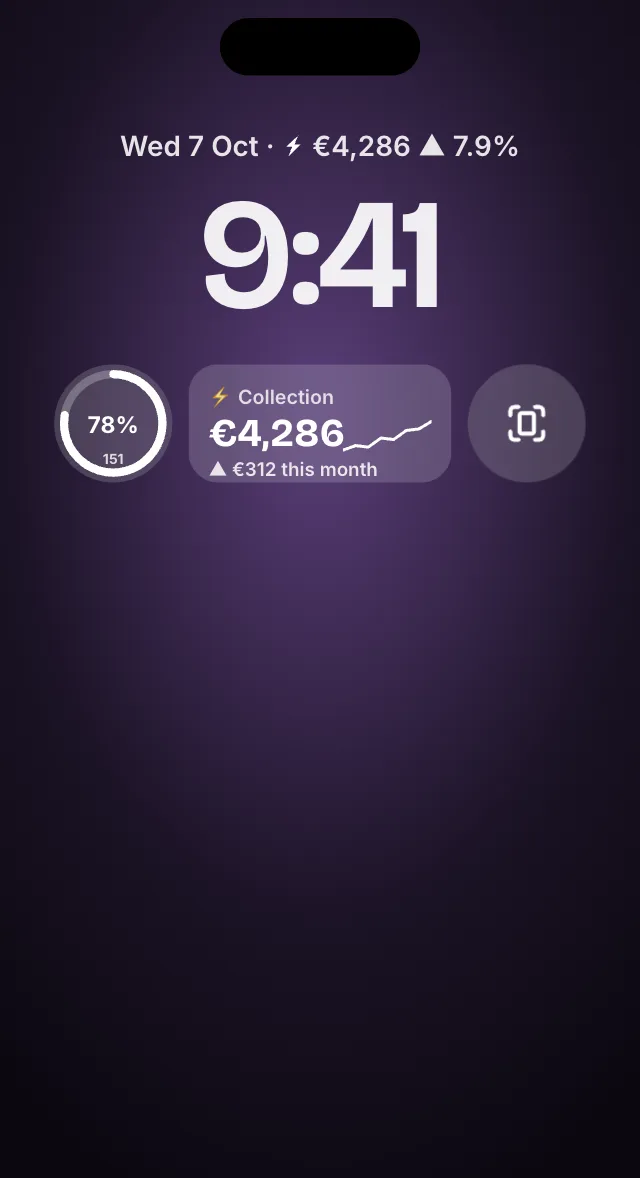
Add the Scan widget, put Pooka on the Action button or in Control Center on iPhone, or add the Quick Settings tile on Android. One tap and the camera is open.
After the scan
Every scan connects to the rest of Pooka.
Check its price
Cardmarket, TCGplayer and eBay side by side, in your currency.
Card price checker →2Finish the set
See which cards you still need, for the main set or the master set.
Collection tracker →3Look it up anywhere
Every card has its own page with prices, details and illustrator.
Trending cards →Single-card scans are free and unlimited. Pooka Shiny adds the rest
Pooka Shiny is the subscription for collectors who want every number.
| What you get | Free | ✦ Shiny |
|---|---|---|
| Unlimited single-card scans, English and Japanese | ||
| Today’s Cardmarket, TCGplayer and eBay price on every card | ||
| Set checklists, main set or master set | ||
| Collection and wishlist, synced to the web app | ||
| Home screen widgets | ||
| Bulk scanning: a binder page at once | ||
| Price history | ||
| Collection value, movers and insights | ||
| Binders with value and cost to complete | ||
| Price alerts and wishlist price drops |
Questions collectors ask
Is the Pooka card scanner free?
Yes. Single-card scans are free and unlimited. Bulk scanning a whole binder page at once is part of Pooka Shiny.
Does it scan Japanese Pokémon cards?
Yes. Pooka covers English and Japanese sets, and both kinds of card go into the same collection.
How does it tell reprints apart?
By the artwork. When the same artwork was printed in more than one set, Pooka shows the candidates with the set symbol and card number magnified, and you tap the one in your hand.
Can I scan cards on my computer?
No, scanning needs the iPhone, iPad or Android app. The web app has your collection and every card to look up.
Does the scanner work offline?
Yes. Recognition runs on your phone with a card index that ships in the app, so it works without a connection. New sets reach the index through updates over Wi-Fi. Prices and saving to your collection need a connection.
Your whole collection, in your pocket and in your browser.
Start on your phone, continue on the web. Pooka is the same app everywhere, so nothing gets out of sync.
- Scan a card with your camera to identify it
- Track your collection and wishlist, in sync across phone and web
- Today's Cardmarket, TCGplayer and eBay prices for every card
Shiny adds price history, collection value, movers, insights and binders.
 On a computer? Scan to install on your phone. Your collection syncs with the web app.